AI Chat
Have intelligent conversations with AI
1
Start a New Chat
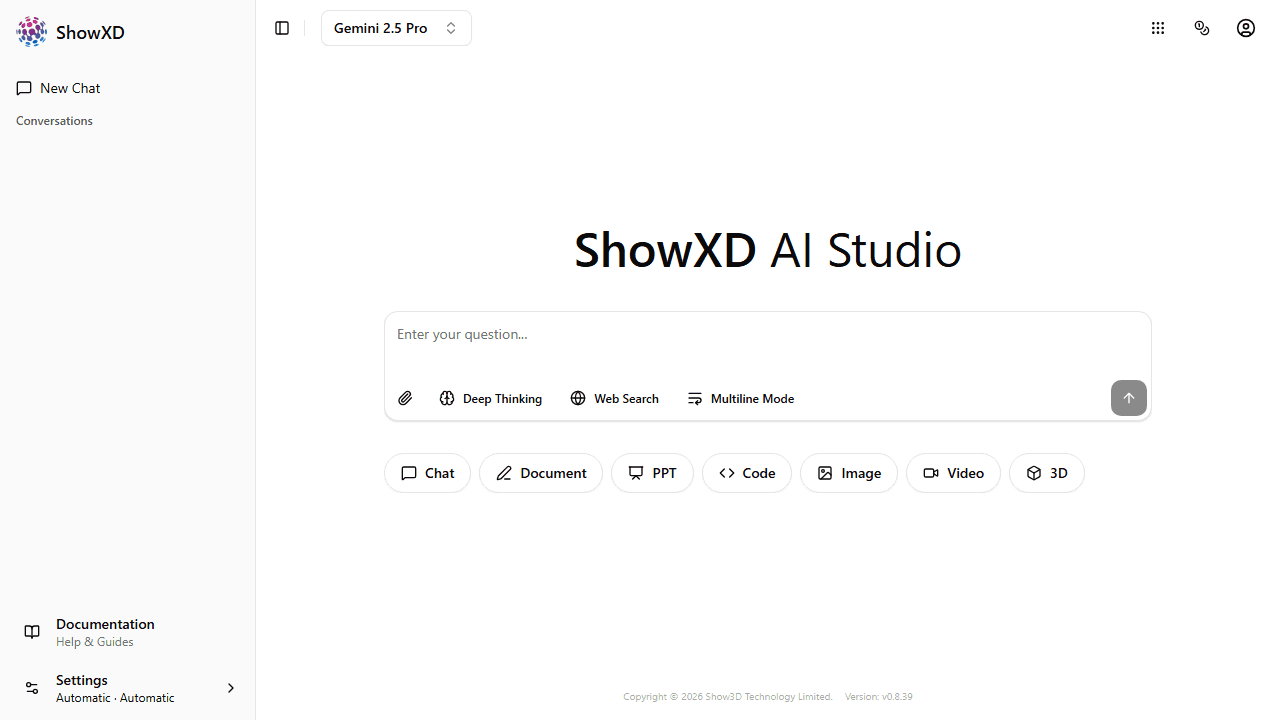
From the homepage, type your question in the chat input box and press Enter.
2
Select an AI Model
Click the model selector to choose different AI models like DeepSeek, GPT-4, or Claude.
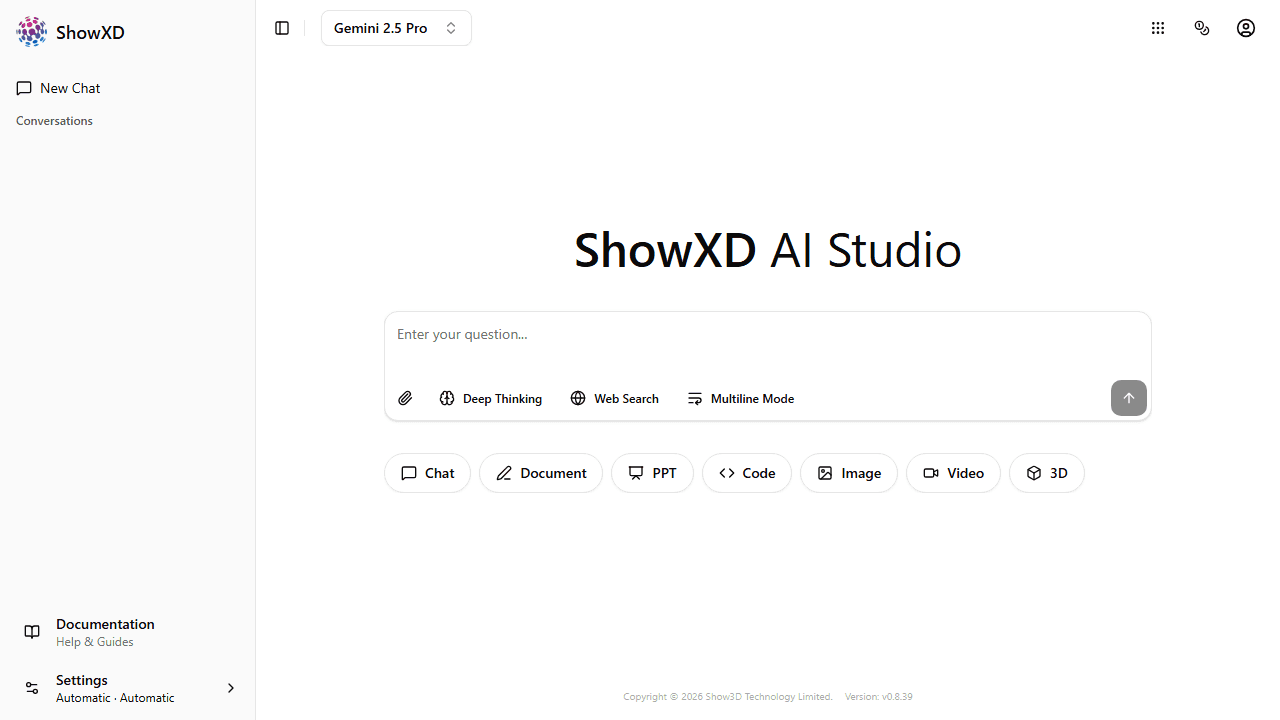
Different models have different strengths. DeepSeek is great for general tasks, while specialized models may be better for coding or creative writing.
3
Upload Files
Click the attachment button to upload images or documents for the AI to analyze.
4
Enable Deep Thinking
Toggle Deep Thinking mode for complex problems that require step-by-step reasoning.
5
Enable Web Search
Toggle Web Search to allow the AI to search the internet for up-to-date information.
You can access your chat history from the sidebar to continue previous conversations.