Code Assistant
Write and debug code with AI help
1
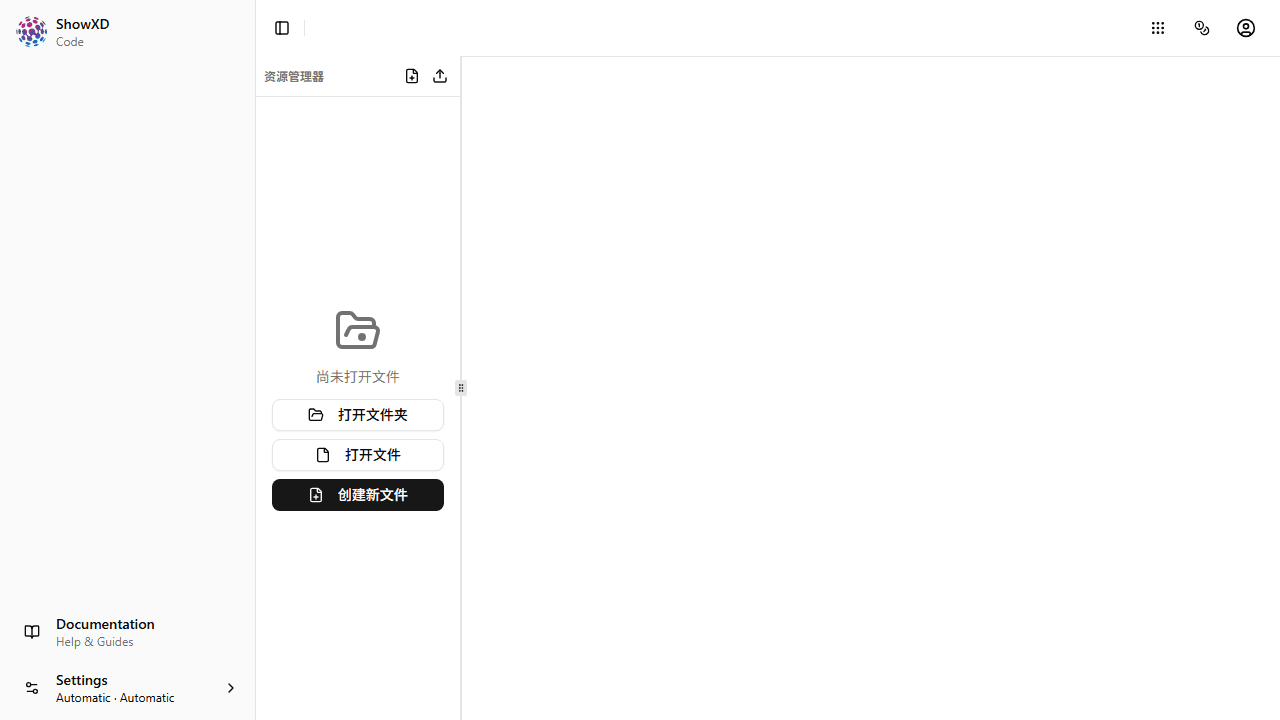
Open Code Assistant
Navigate to Code from the sidebar or welcome page.
2
Write or Paste Code
Enter your code in the editor. The syntax highlighting will help you read it.
Supported languages include JavaScript, Python, TypeScript, Java, C++, and many more.
3
Get AI Help
Ask the AI to explain, debug, or improve your code.
4
Generate Code
Describe what you want to build and the AI will generate code for you.
You can ask the AI to add comments, write tests, or refactor your code.
5
Copy or Download
Copy the code to clipboard or download it as a file.
You're ready to code with AI assistance!