Settings & Customization
Customize your ShowXD experience with themes, colors, and language preferences
1
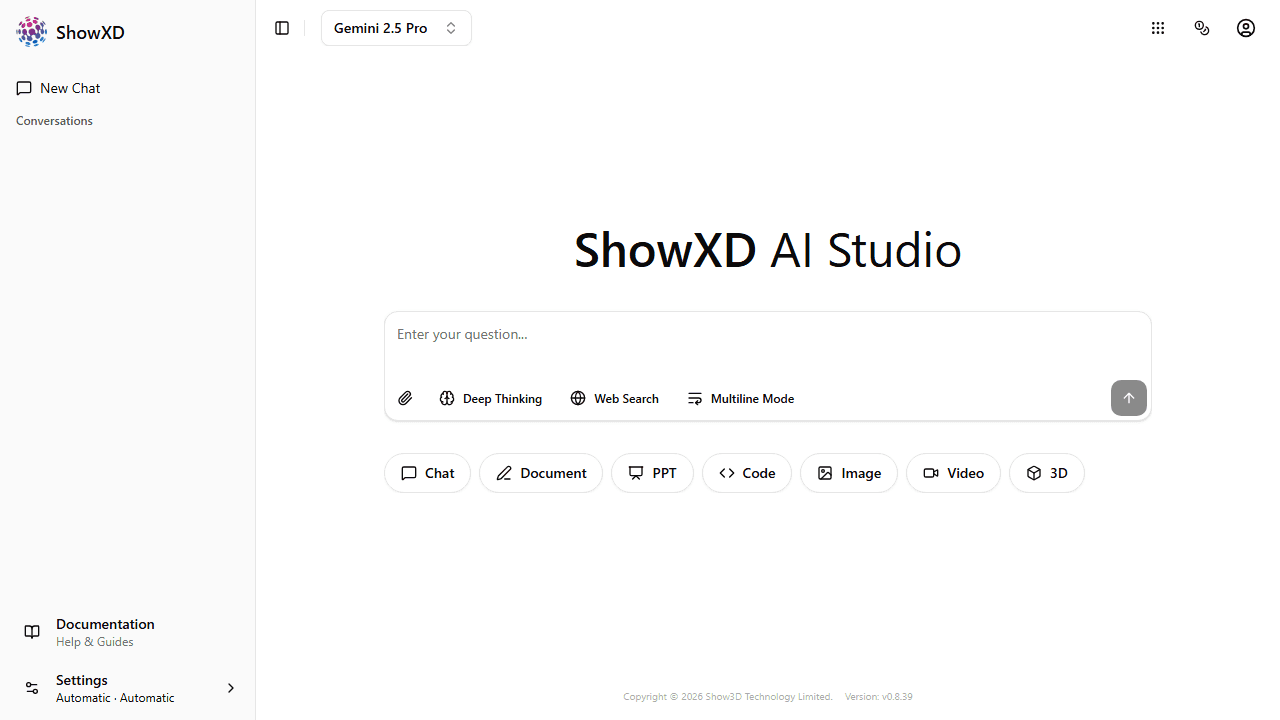
Open Settings
Click on the Settings button (⚙️) at the bottom of the left sidebar.
Theme Settings
Choose your preferred appearance mode:
| Option | Description |
|---|---|
| ☀️ Light | Bright background, dark text |
| 🌙 Dark | Dark background, light text |
| 🖥️ Automatic | Follows your system settings |
Theme Colors
Personalize ShowXD with your favorite accent color:
Neutral
Blue
Green
Rose
Orange
Violet
Yellow
Red
Theme colors affect buttons, links, and accent elements throughout the app.
Language Settings
ShowXD supports multiple languages:
| Option | Description |
|---|---|
| 中文 | Chinese interface |
| English | English interface |
| Automatic | Detects your browser language |
Language changes apply immediately. The URL will also change (e.g., /en/... or /zh/...).
All settings are saved automatically and persist across browser sessions.