Document Editor
Create and edit documents with AI assistance
1
Open Document Editor
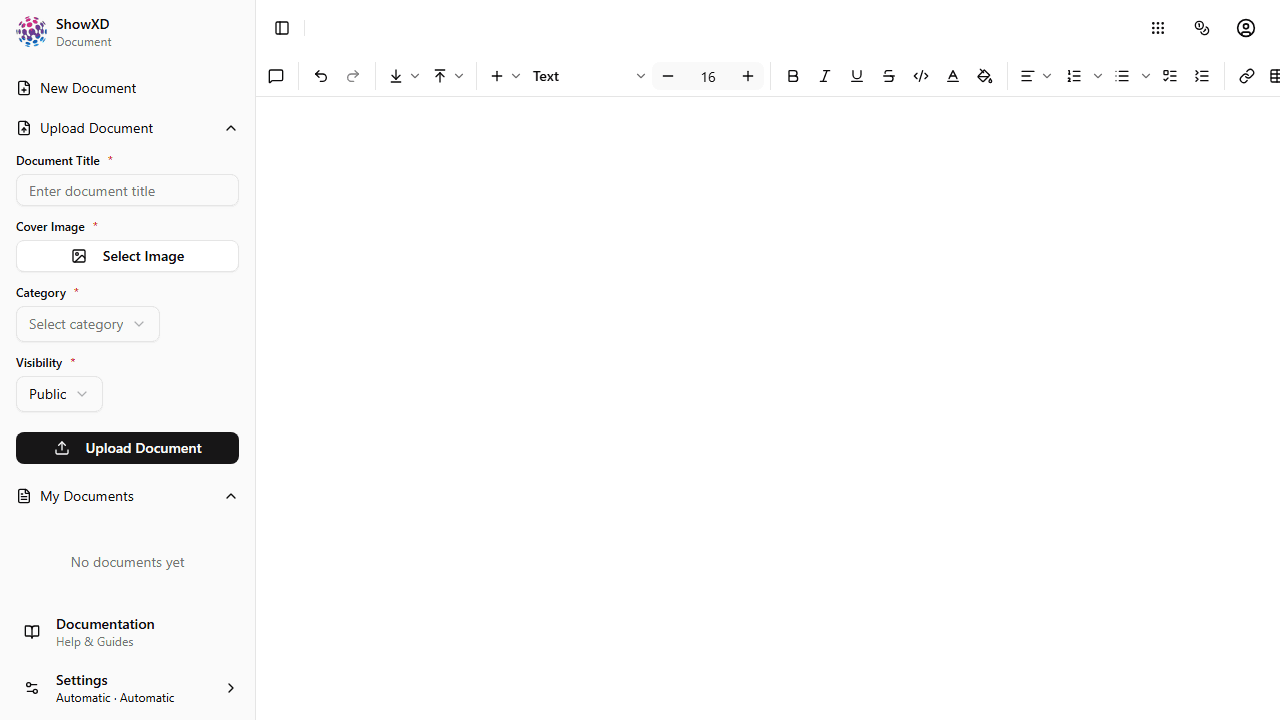
Navigate to Document from the sidebar or welcome page.
2
Start Writing
Click anywhere in the document to start typing. Use the toolbar for formatting.
Use Markdown shortcuts for quick formatting: # for headings, ** for bold, * for italic.
3
Use AI Assistance
Select text and click the AI button to get suggestions, summaries, or translations.
4
Add Rich Content
Insert images, tables, code blocks, and more using the / command menu.
5
Export Your Document
Export your document as PDF, Word, or Markdown.
You've mastered the basics of the Document Editor!