Getting Started
Learn the basics of ShowXD and start creating
1
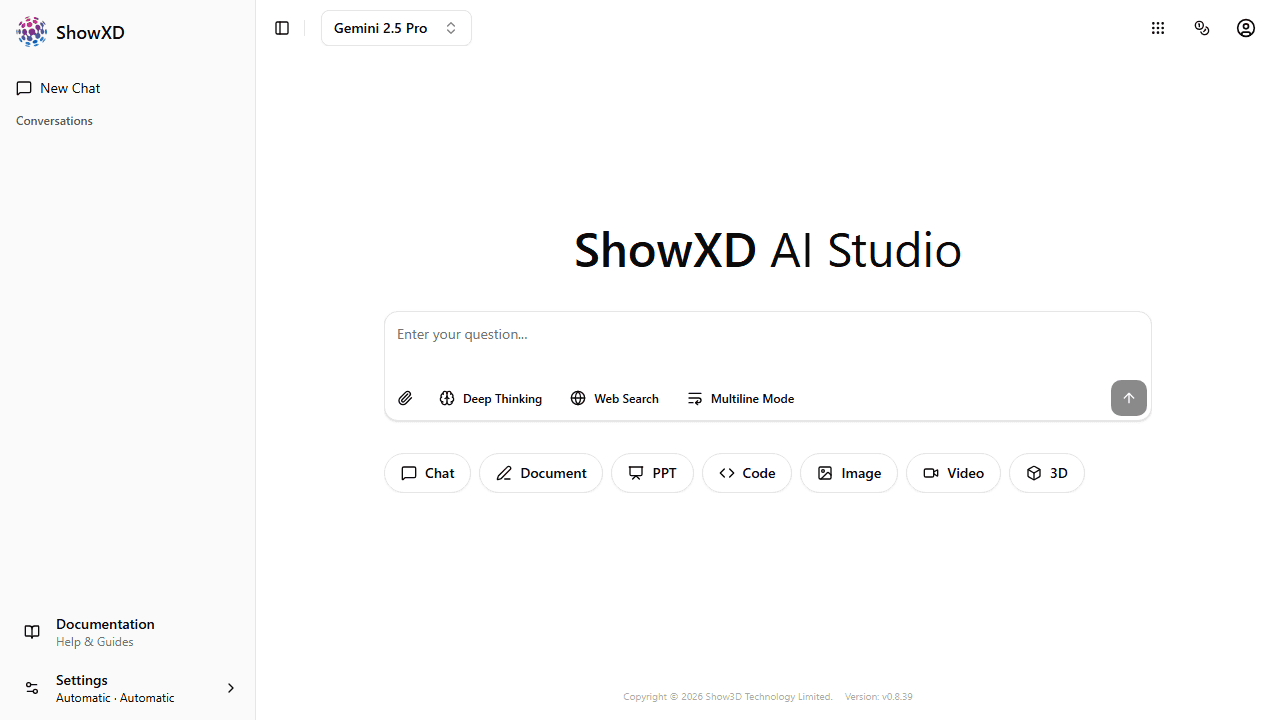
Visit ShowXD
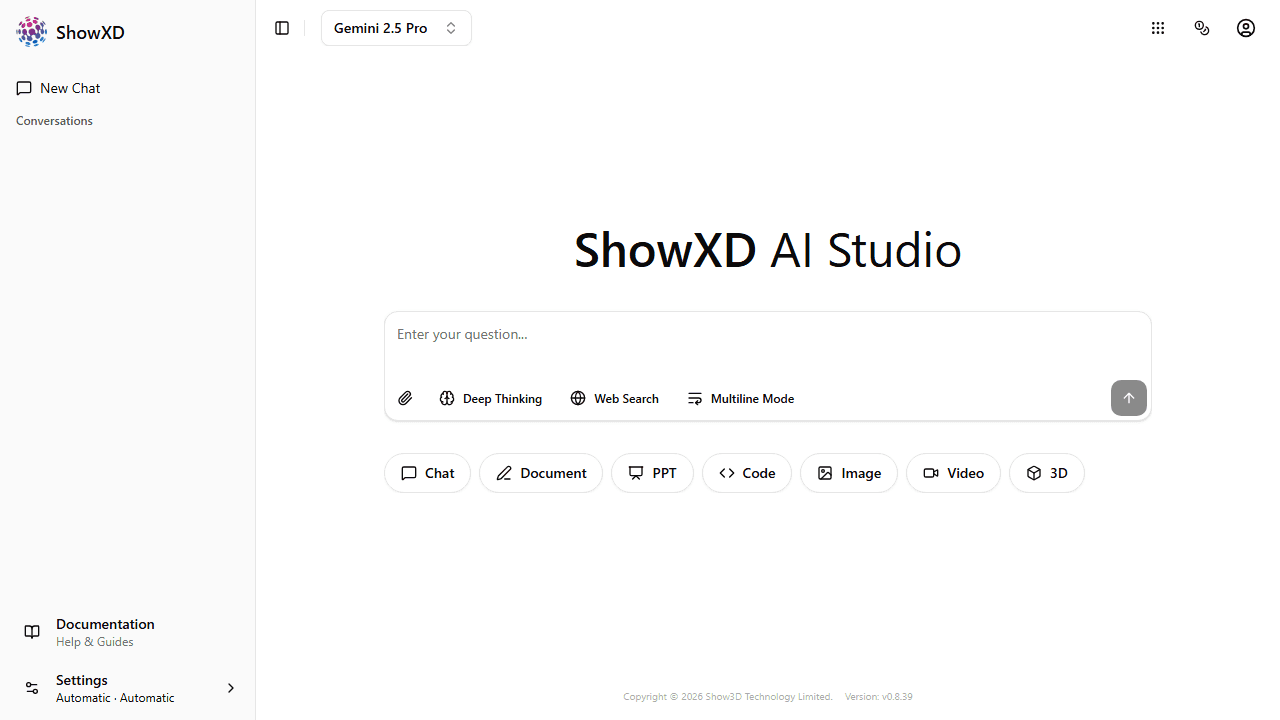
Open ShowXD in your browser. You'll see the welcome page with various AI tools.
2
Create an Account
Click the user icon to sign up or log in. You can use email or social login.
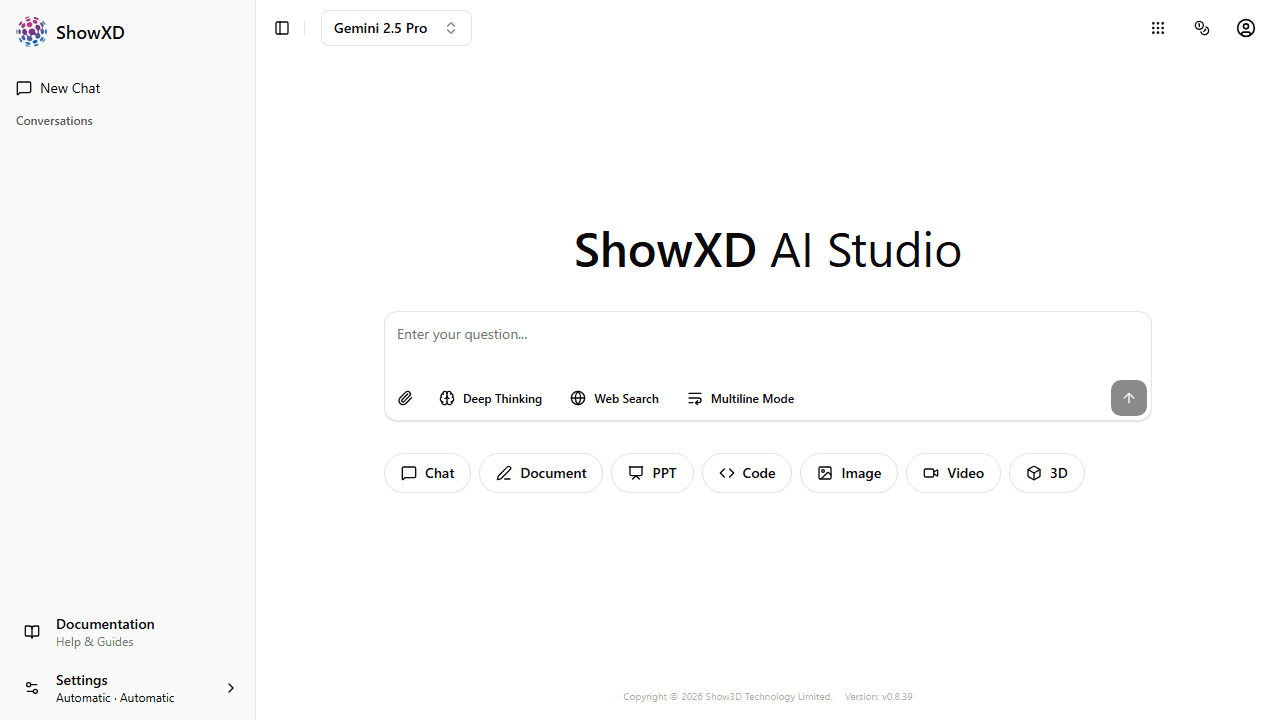
You can try most features without logging in, but creating an account gives you access to more credits and saved history.
3
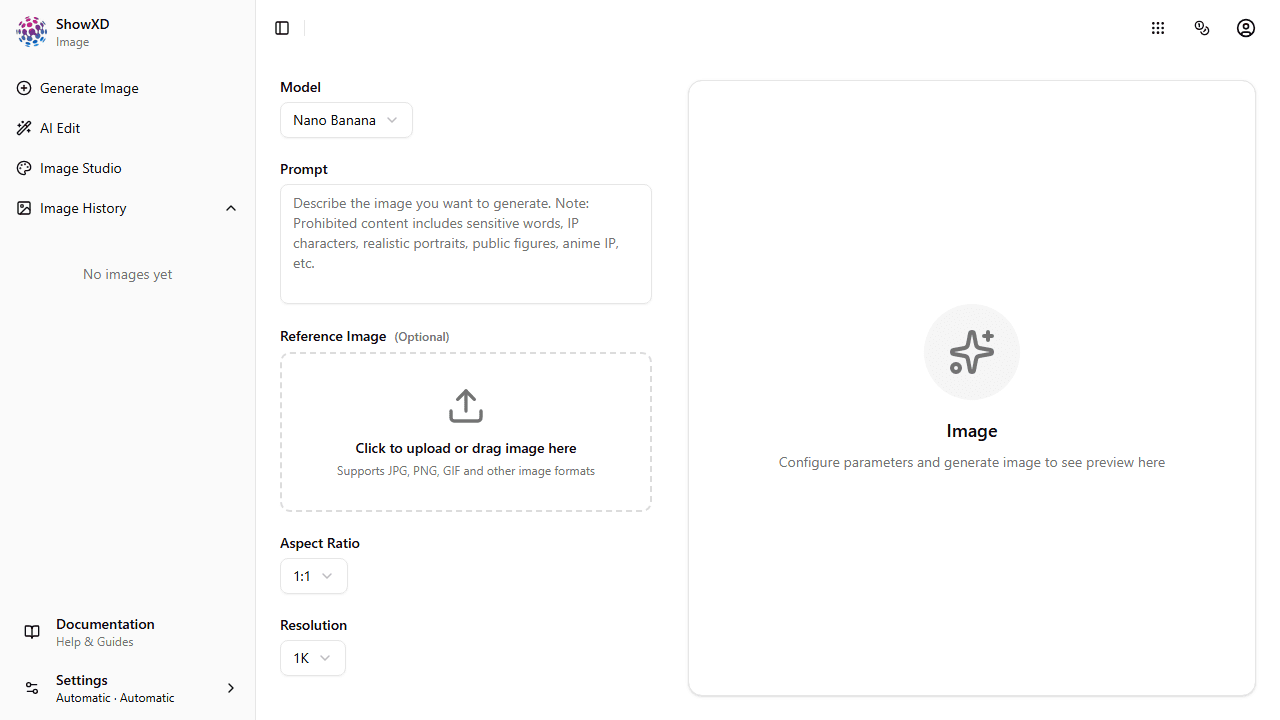
Choose a Feature
Select from AI Chat, Image Studio, Video Studio, Document Editor, PPT Editor, or Code Assistant.
4
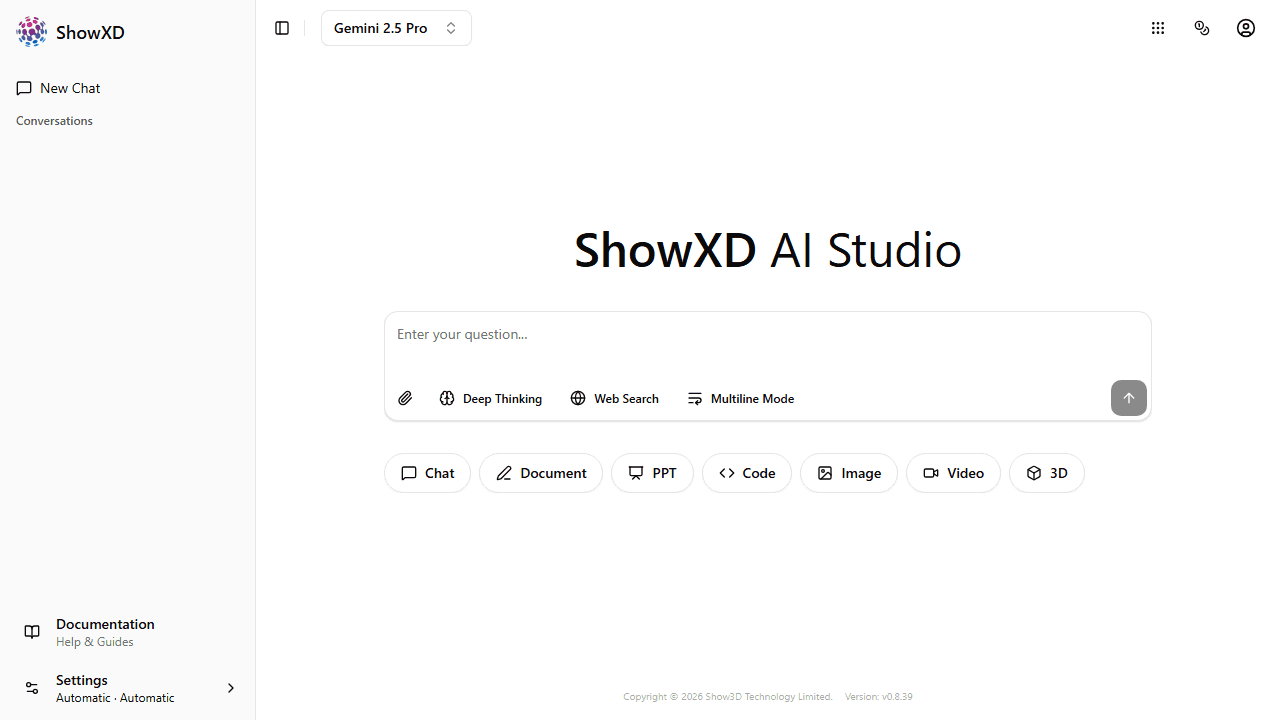
Start Creating
Type your first message or upload content to begin using ShowXD's AI features.
5
Customize Your Experience
Click Settings at the bottom of the sidebar to change theme (light/dark), theme color, and language.
Congratulations! You're now ready to explore all of ShowXD's features.