Image Studio
Edit and enhance images with GPU-accelerated filters
1
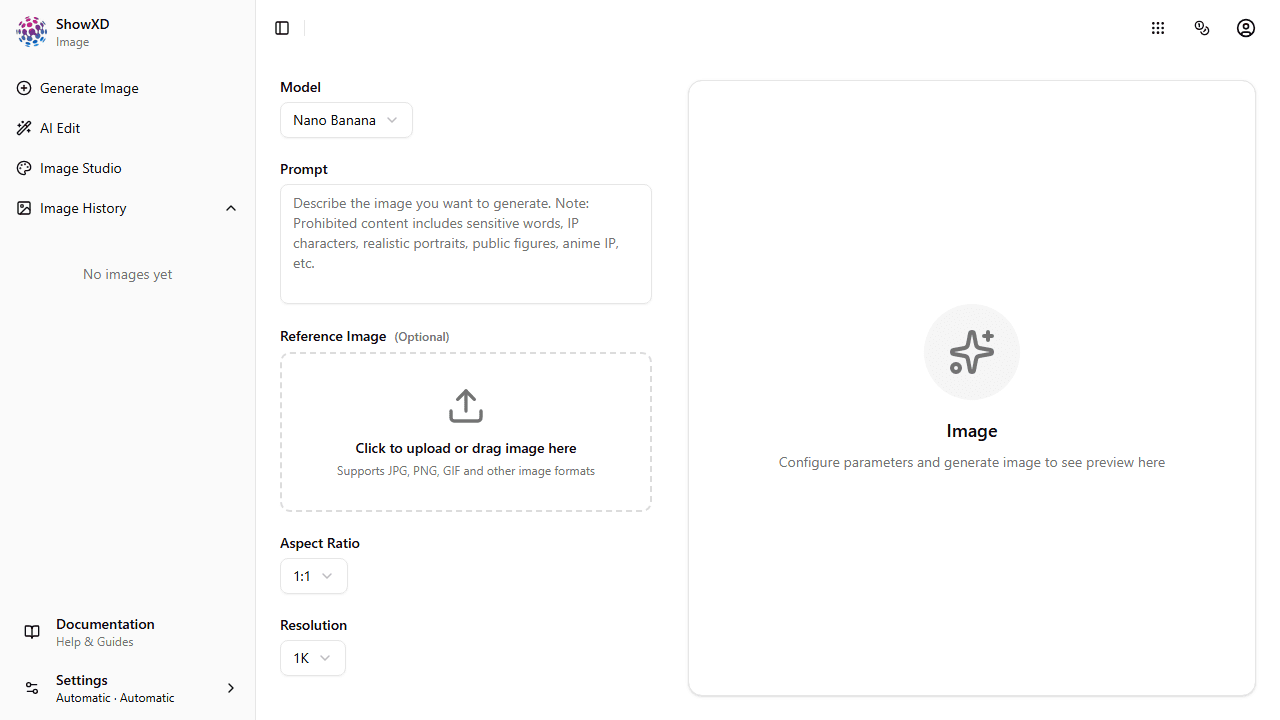
Open Image Studio
Navigate to Image Studio from the sidebar or welcome page.
2
Upload an Image
Click the upload area or drag and drop an image file (JPG, PNG, etc.).
All filters are processed on your GPU for real-time preview.
3
Apply GPU Filters
Use the sliders to adjust brightness, contrast, saturation, blur, and sharpen.
4
Enable Canny Edge Detection
Toggle the Canny Edge Detection switch to reveal edges in your image.
Canny edge detection is useful for creating line art or detecting boundaries.
5
Download Your Result
Click the Download button to save your edited image.
You've mastered the basics of Image Studio!